01
Create your yearbook
Start with My Yearbook for a personal year, or Our Yearbook for a class, team, club, trip, event or group.
 OurYearBook
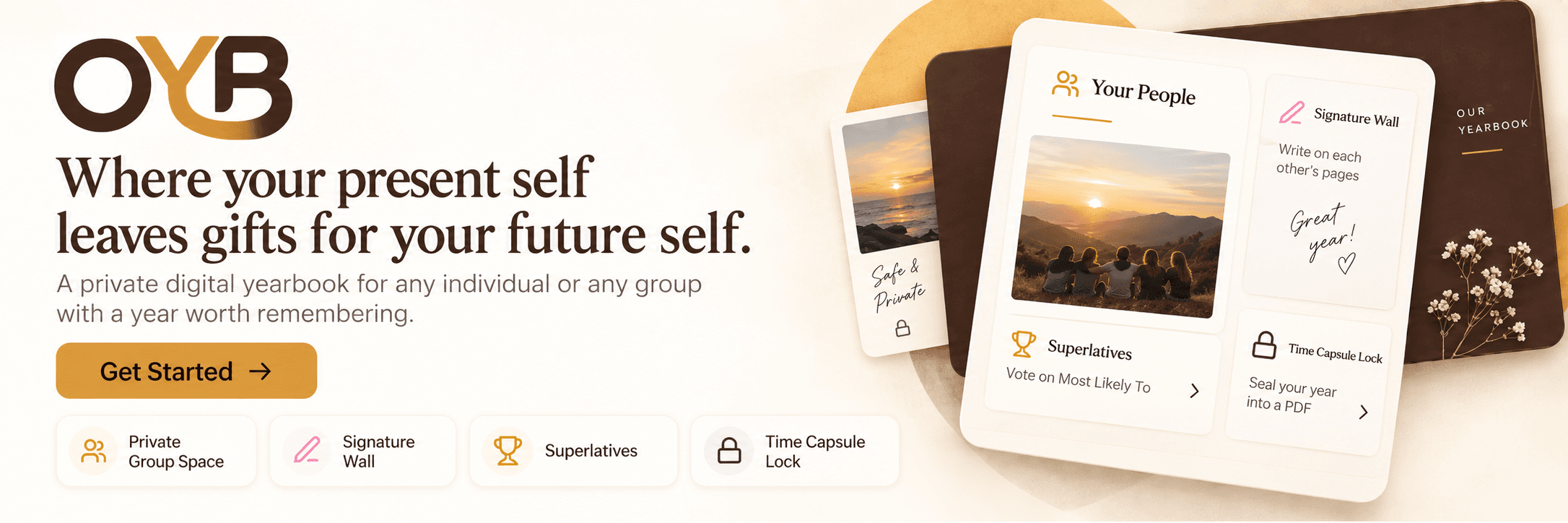
OurYearBook is a private digital yearbook for any individual or any group with a year worth remembering. Create the book, invite your people, collect the memories, then seal and export the finished year.
Clear steps, from first page to sealed memory.
Start with My Yearbook for a personal year, or Our Yearbook for a class, team, club, trip, event or group.
After creation, share the invite by copy link, email, WhatsApp, or code. Invitees sign in and the code is prefilled from the link. You can also ask someone for a single memory from a link: they answer without an account, and their words land on your page.
Members add pages, photos, signatures, stories, superlatives and messages from the people who made the year worth keeping.
My Days is your own private record of the year: thoughts, photographs and ordinary moments. Keep them to yourself, or share a day with a yearbook you choose and decide whether it goes on your page there. Only what you choose is ever printed.
Yearbooks are private by default. Members must be signed in, and content is not indexed by search engines.
Admins can review reports and manage members. When the year is ready, the yearbook can be sealed so the memory stops changing.
PDF export access is available after purchase or creator access. Print fulfilment is being prepared separately and will stay server-side.
You get an invite code and shareable link immediately. Your people join, add their memories, and the book stays private while it grows. When the year closes, you can finish what is missing, seal it, and export the PDF.